
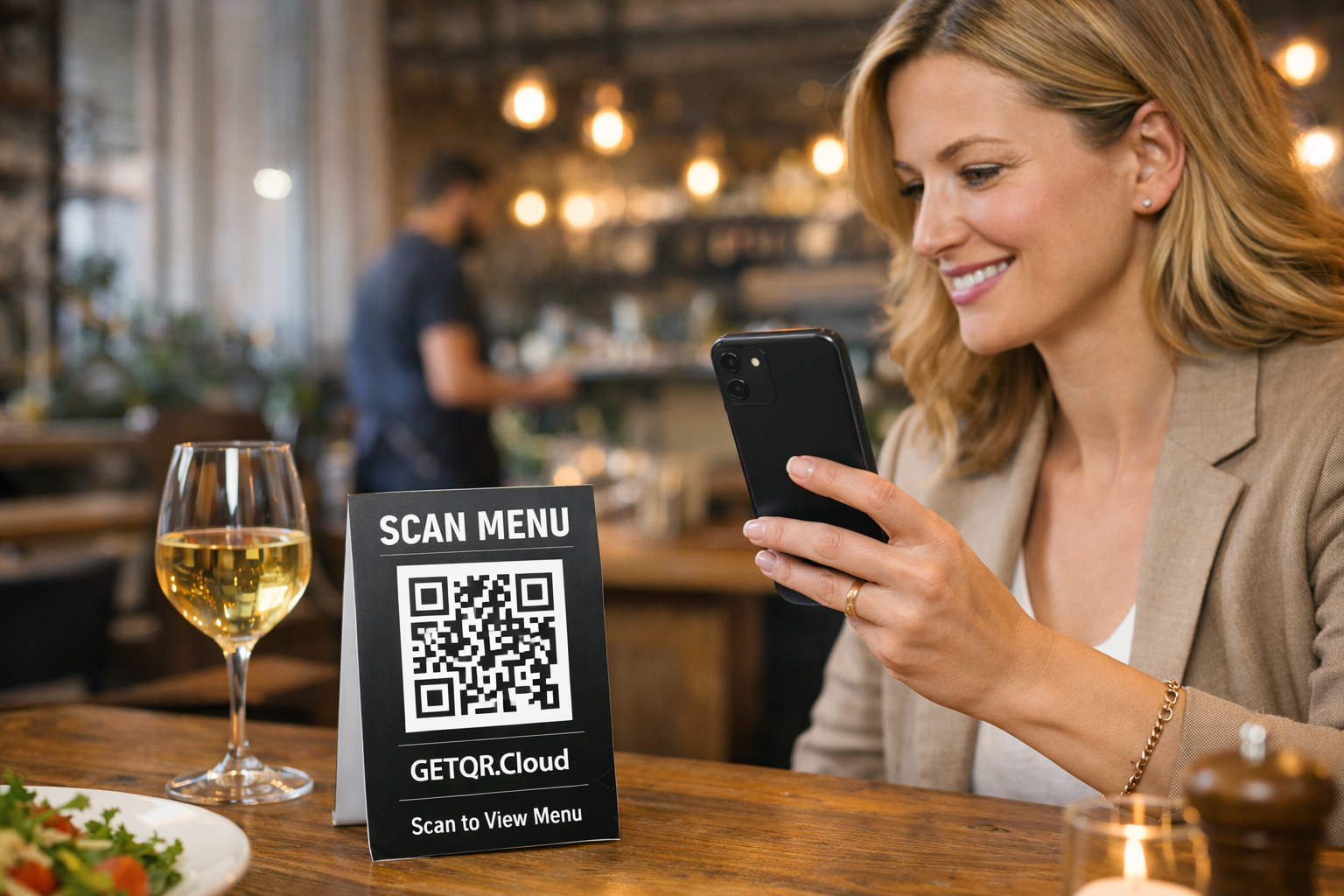
Restaurant: QR + PDF menu
Workflow for restaurants, bars, and cafes
Complete process from registration to live digital menu deployment via QR.
Open guideGuides
Pick a QR type and follow a step-by-step workflow. Guides are prepared for both beginners and advanced users.
Workflow for restaurants, bars, and cafes
Complete process from registration to live digital menu deployment via QR.
Open guide
Fastest type for campaigns and print
Ideal for business cards, flyers, posters, and any URL redirect scenario.
Open guide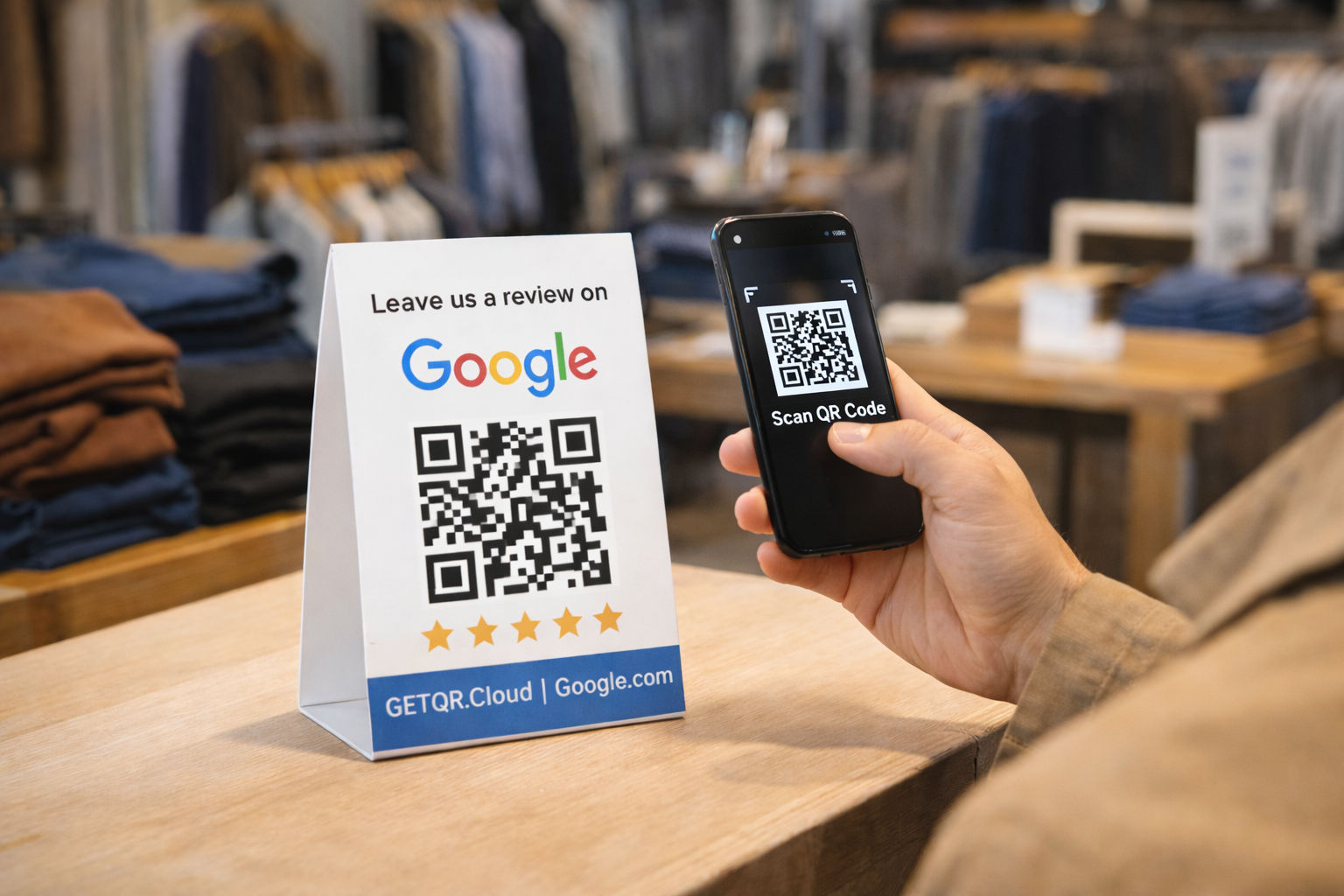
QR leading directly to business review flow
Helps increase reviews without forcing customers to search your business manually.
Open guide
PDF, DOCX, ZIP and more
Use for price lists, catalogs, manuals, and contractual documents.
Open guide
Thumbnails, fullscreen, and original download
Great for portfolio showcases, before/after jobs, and product photos.
Open guide
Menu, bar list, or daily specials
After scan, guests instantly open your current menu in PDF.
Open guide
Product demo, teaser, or tutorial
Show video content without manual URL searching.
Open guide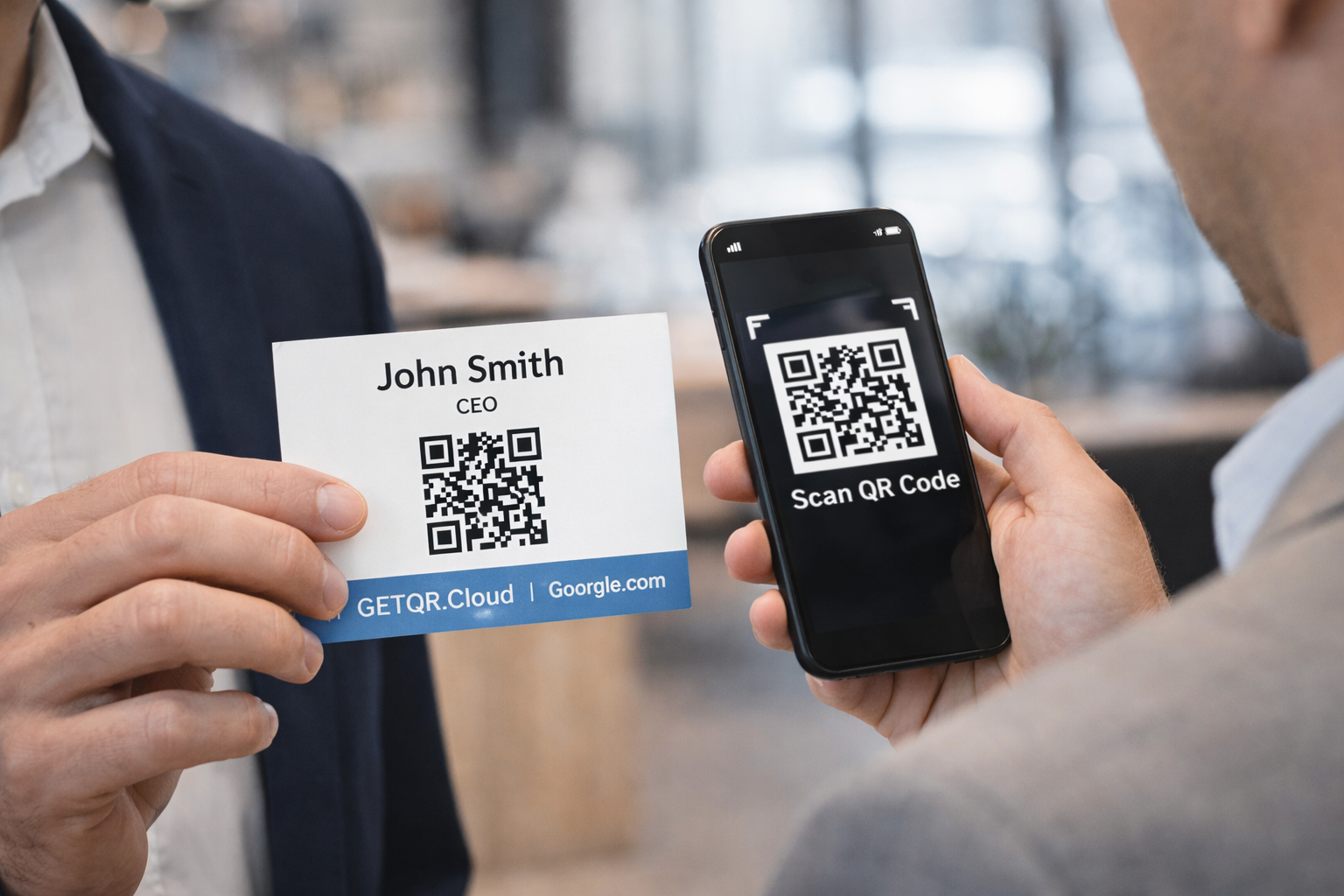
Name, phone, email, website, and social links
Fast save to mobile contacts without manual typing.
Open guide
For offices, hotels, cafes, and waiting areas
Visitors scan and connect to network quickly.
Open guide
Leads, orders, or support requests
After scan, SMS opens with prefilled text.
Open guide
Conferences, trainings, webinars, and meetings
Users save event details directly to calendar after scan.
Open guide
Premium type for payment workflows
Great for invoices, donations, and instant in-person payments.
Open guide