
1
Account registration
On the homepage click Sign up and create an account with any email. The app is for everyone: companies, freelancers, and individuals, not only legal entities.
Guide
PremiumPremium type for payment workflows
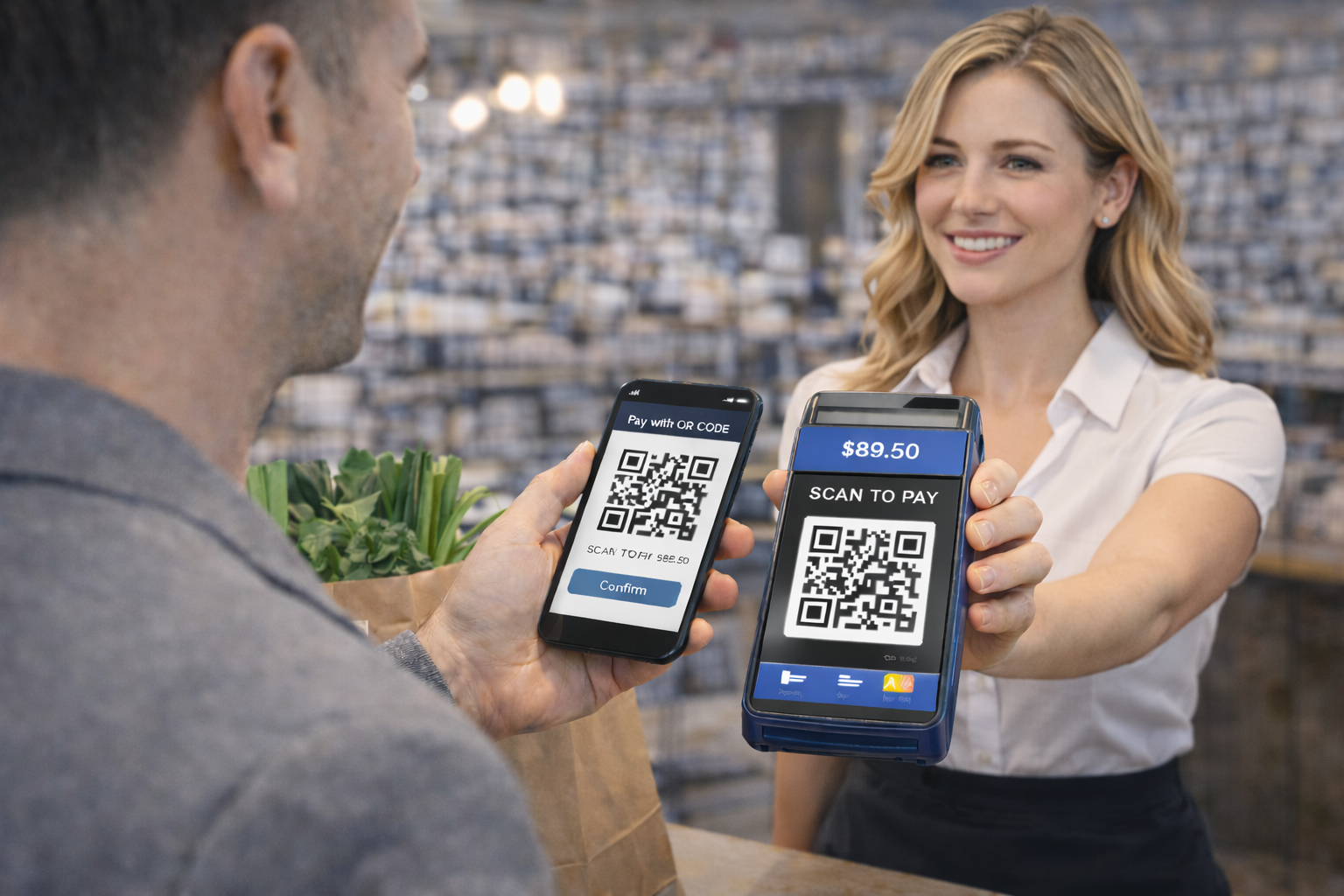
Great for invoices, donations, and instant in-person payments.
On the homepage click Sign up and create an account with any email. The app is for everyone: companies, freelancers, and individuals, not only legal entities.
After registration, verify your email using the link sent to your inbox, then sign in. This step is required for full dashboard access and all creation features.
In dashboard click Create QR code and select the required type. If unsure, this guide always shows the exact type name and what to fill in each field.
QR Payment type is available only for Premium users, so first verify active plan status. If not active, use the Premium upgrade option from the menu.
Enter IBAN, amount, currency, variable symbol, and payment note. All values must be accurate to avoid failed or disputed payments.
Before publishing, test scanning in at least two banking apps. This confirms compatibility and correct payment field prefill.
Deploy QR Payment on invoices, checkout desks, donation pages, or sales counters. Users pay faster and you reduce data-entry mistakes.