
1
Account registration
On the homepage click Sign up and create an account with any email. The app is for everyone: companies, freelancers, and individuals, not only legal entities.
Guide
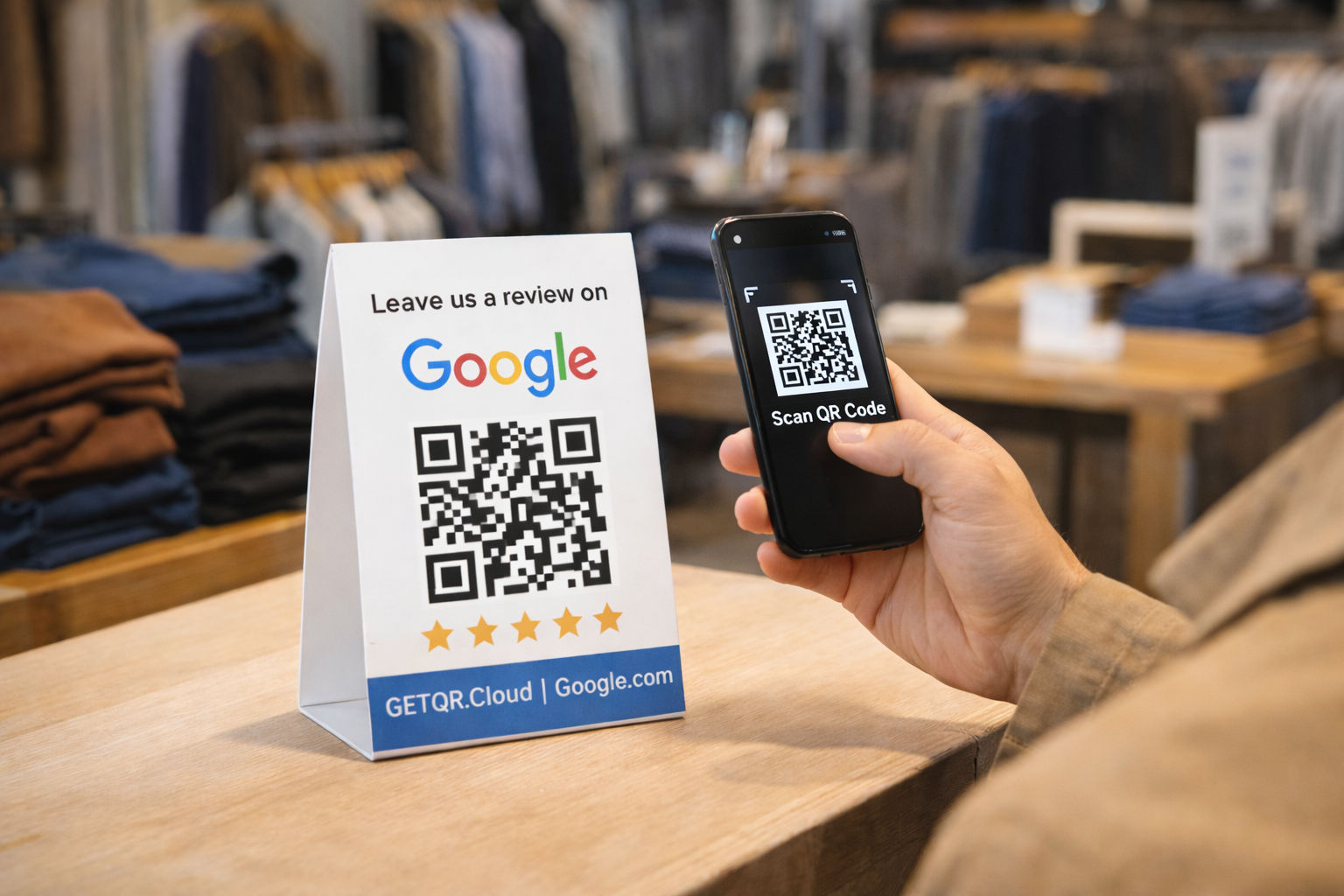
QR leading directly to business review flow
Helps increase reviews without forcing customers to search your business manually.
On the homepage click Sign up and create an account with any email. The app is for everyone: companies, freelancers, and individuals, not only legal entities.
After registration, verify your email using the link sent to your inbox, then sign in. This step is required for full dashboard access and all creation features.
In dashboard click Create QR code and select the required type. If unsure, this guide always shows the exact type name and what to fill in each field.
Get the direct link to your business reviews so customers do not need to search manually. The shorter the path to rating, the higher your feedback rate.
In QR creation select Google Reviews and paste your prepared URL. Before saving, verify the link points to the correct business profile.
Best placements are checkout, tables, or thank-you cards after purchase. Customers should see the QR right after a positive experience.
Review open stats periodically and move the QR to stronger positions when needed. Even small placement changes can significantly improve review volume.